
Capture the uncapturable
Grab text from slides, locked PDFs, live streams, or screenshots. If you can see it, you can clip it.
Extract text from images and other digital documents in a heartbeat.
By downloading, you agree to our Terms and Privacy Policy.
Instantly capture non-selectable text from YouTube videos, PDFs, images, online courses, screencasts, presentations, webpages, video tutorials, photos, etc. It's so simple and easy as taking a screenshot with a built-in snipping tool for Mac.
Grab text from slides, locked PDFs, live streams, or screenshots. If you can see it, you can clip it.
TextClipper performs OCR locally and copies the result instantly. Paste into notes, docs, emails, or code.
Lives quietly in your menu bar with a customizable shortcut. No docks, no pop-ups, just fast captures.
Everything runs on-device—ideal for confidential information, secure documents, or low-connectivity environments.
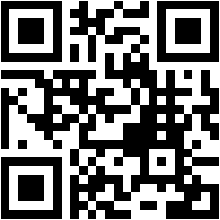
Scan on-screen QR or barcodes instantly to extract URLs, contact info, or payload data you can paste anywhere.
Works off-line with precise edge detection, and elevates stubborn codes with adaptive contrast.
Call on powerful AI models when you need to parse complex layouts, mixed languages, or even handwritten notes with remarkable accuracy.
Works with your own OpenAI or Google Gemini API keys, so you stay in control of your data.

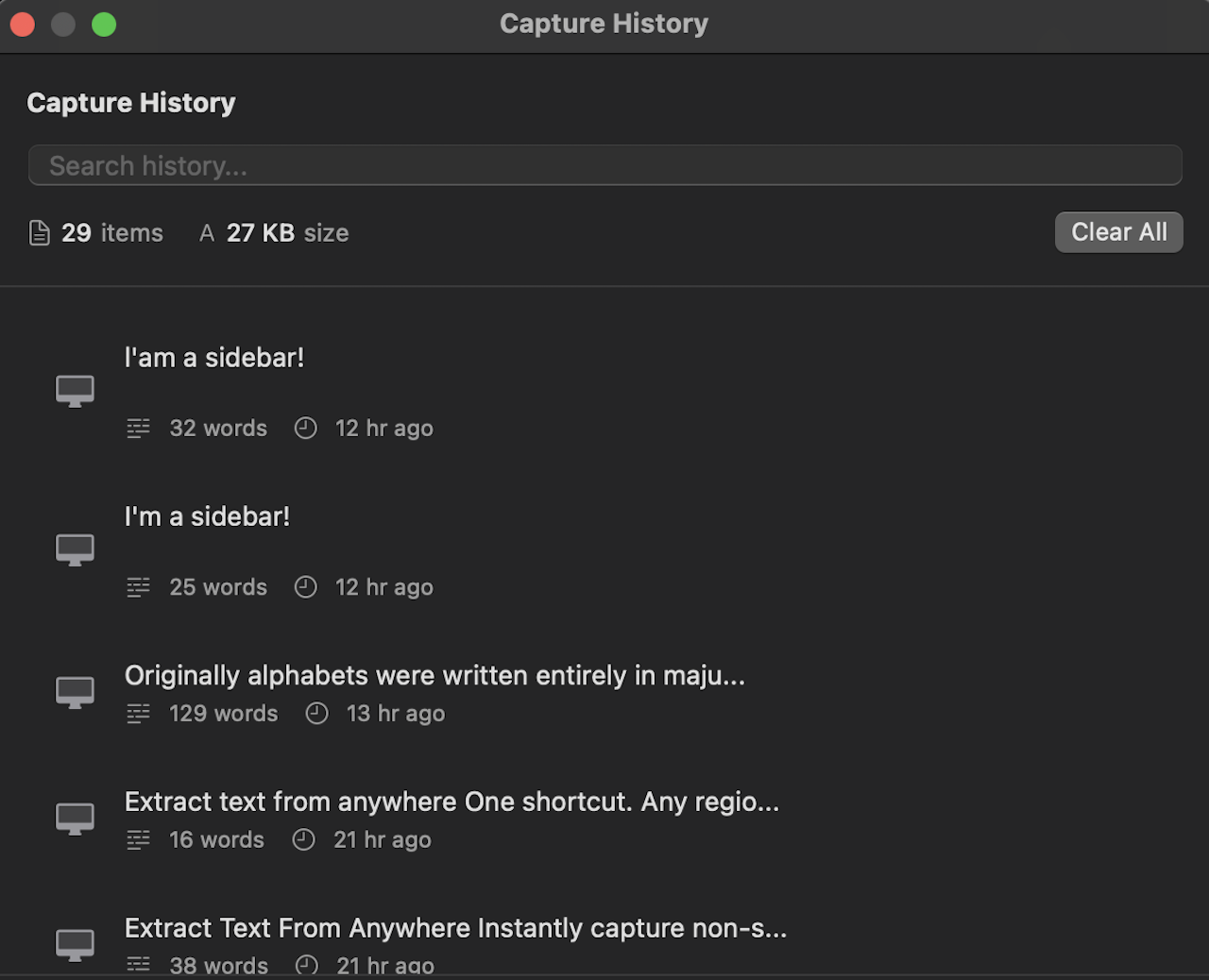
Keeps every clip searchable for 30 days. Seamlessly syncs across your Macs via Apple iCloud.
🔒 End-to-End Encrypted
Your data is encrypted before syncing. No one has access to your
history—not even us.
Keep a running capture without bouncing between apps. Toggle Additive Clipboard to append every new clip to your existing clipboard instead of replacing it.
It threads each capture with clean separators, so you can gather multiple quotes, code blocks, or data points and paste them together in one go.
Great for research, incident response, and walkthroughs where you want a single paste-ready transcript.
Less keystrokes, more masterpieces.
“TextClipper saves me hours every week. Extracting quotes from videos and screenshots used to be a pain, now it's instant.”

“The ability to grab code snippets from tutorial videos directly into my editor without retyping is a game changer. Highly recommended.”

“Perfect for online classes. I can capture important points from the professor's slides without missing a beat. It's my study superpower.”
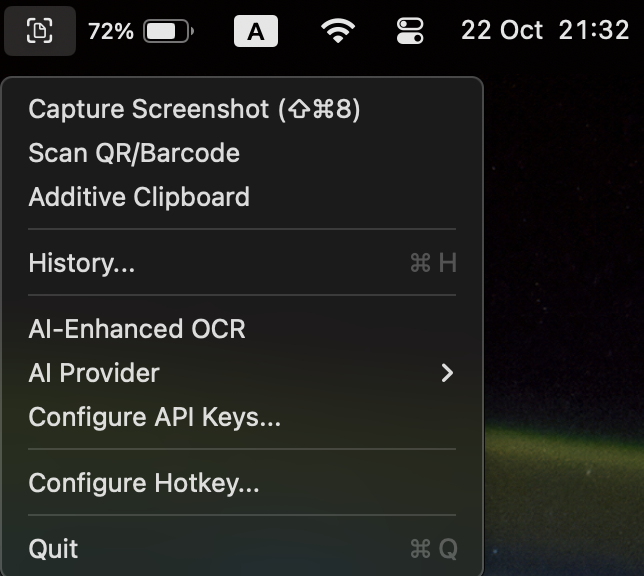
Press ⌘ ⇧ 2 or select “Capture Text” from the menu bar.

Drag to select the area containing the text you need. TextClipper recognises it instantly.

Paste it anywhere—notes, code editors, or apps. Your clipboard always stays in sync.
Smart extras make TextClipper a powerful companion for busy workflows.
Support spans English, Spanish, German, French, Italian, Portuguese, Traditional & Simplified Chinese, plus Japanese, Korean, Ukrainian, and Russian on macOS Ventura.
Assign any hotkey that fits your muscle memory. TextClipper adapts to your flow.
OCR happens locally, keeping customer data, graded papers, and internal docs secure.
Stay focused with quick access tools, capture history, and text-to-speech toggles.
Download TextClipper free while we polish the next big update—no license required.
By downloading, you agree to our Terms and Privacy Policy.
en-US
English
fr-FR
French
it-IT
Italian
de-DE
German
es-ES
Spanish
pt-BR
Portuguese (Brazilian)
ru-RU
Russian
uk-UA
Ukrainian